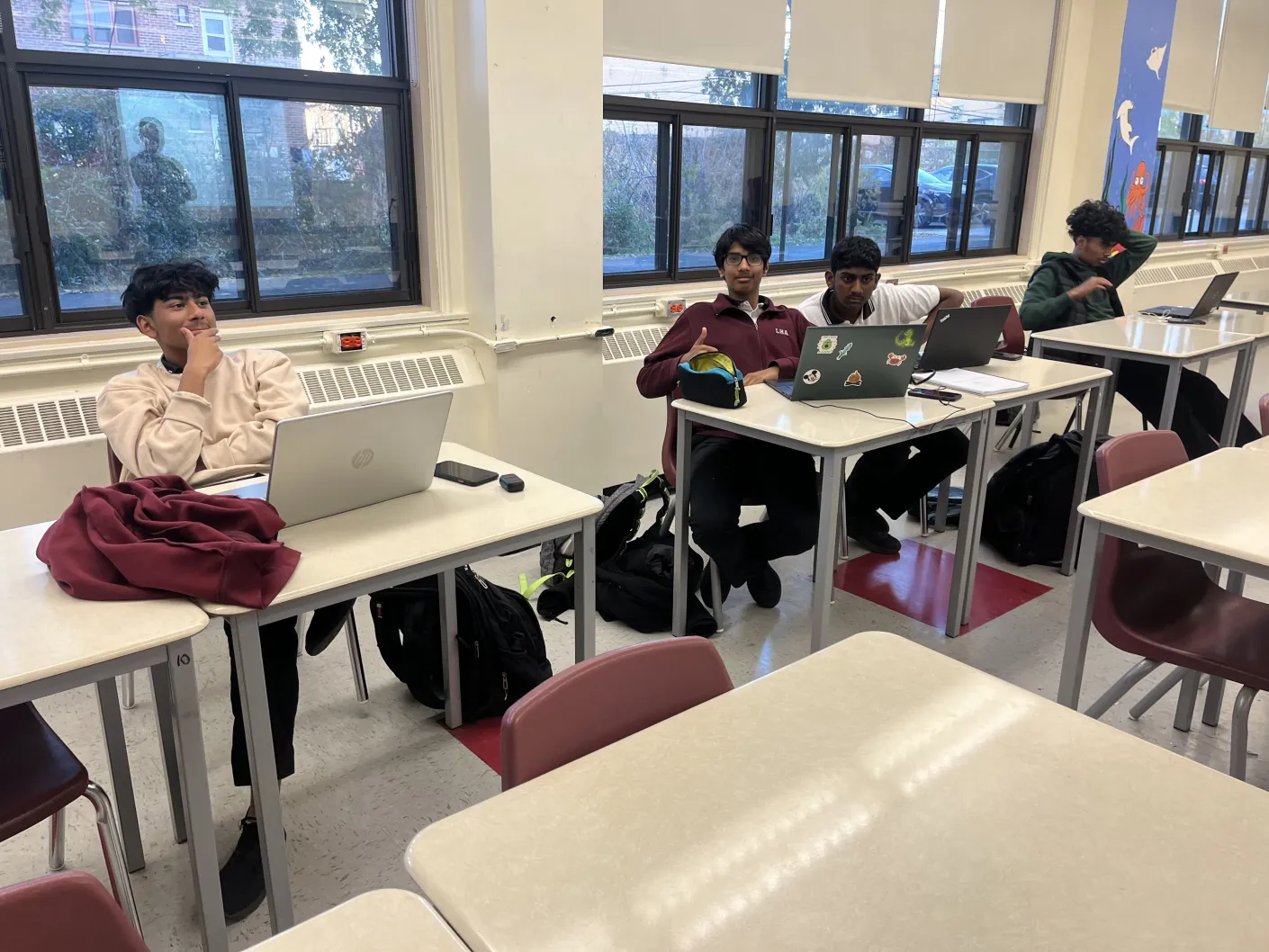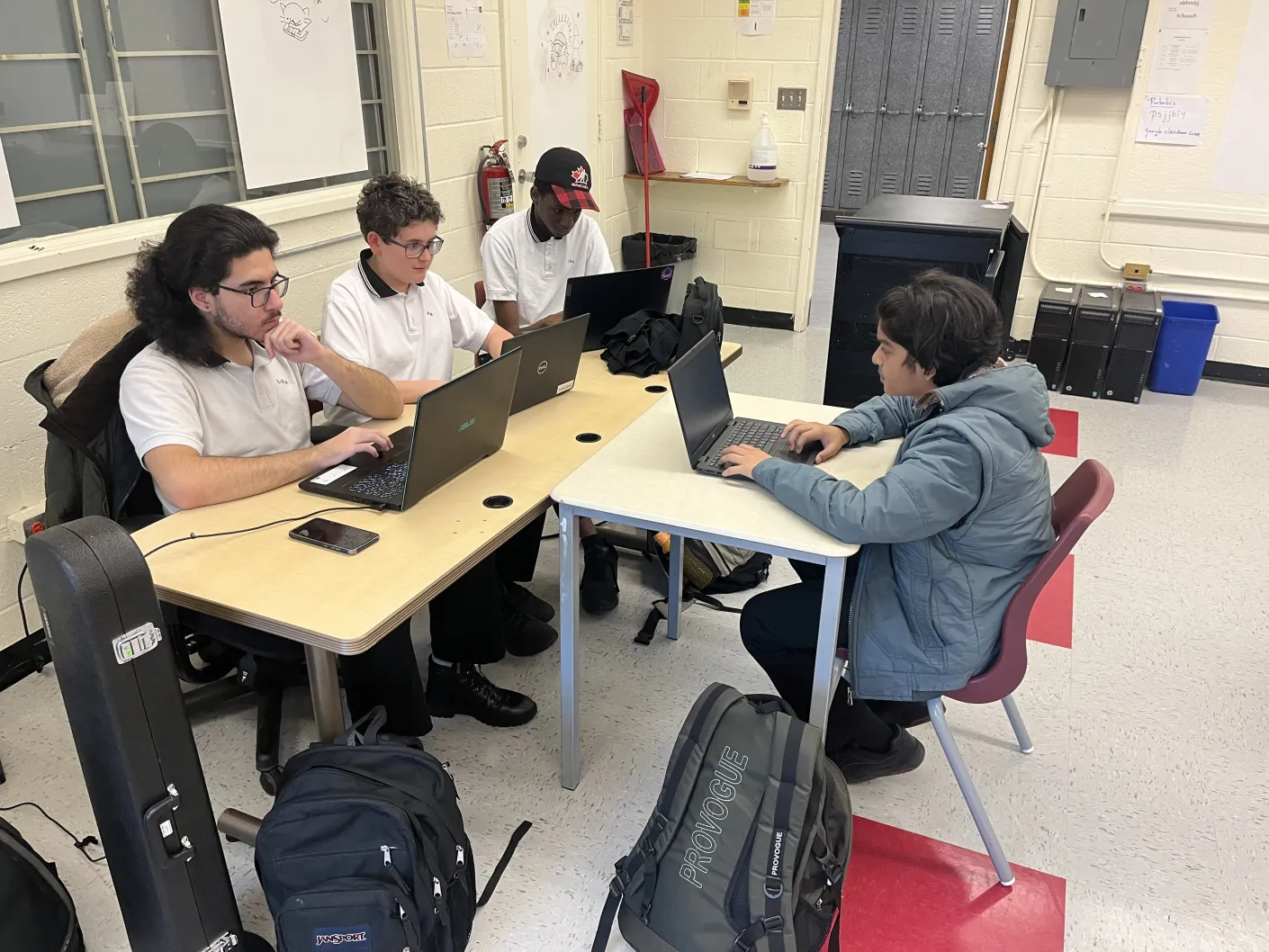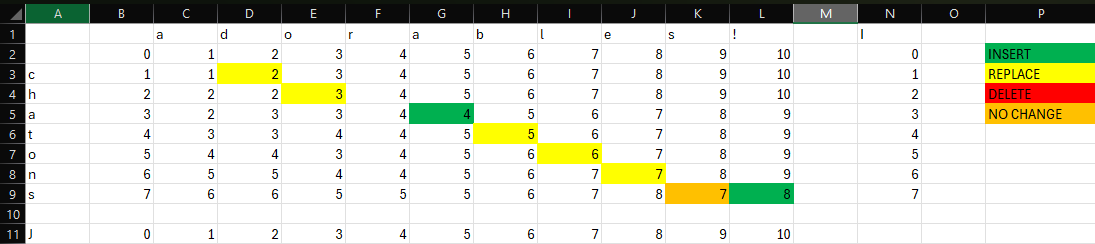
The brains of the team. Portrayed as the "heroes" of the video alongside media. Using inspiration from Avatar The Last Air Bender ™️ they built this year's website. In addition to building the website, they also worked on the Prelims and were taught by their wonderful mentor.

Roster

Journal

Pre-Kickoff
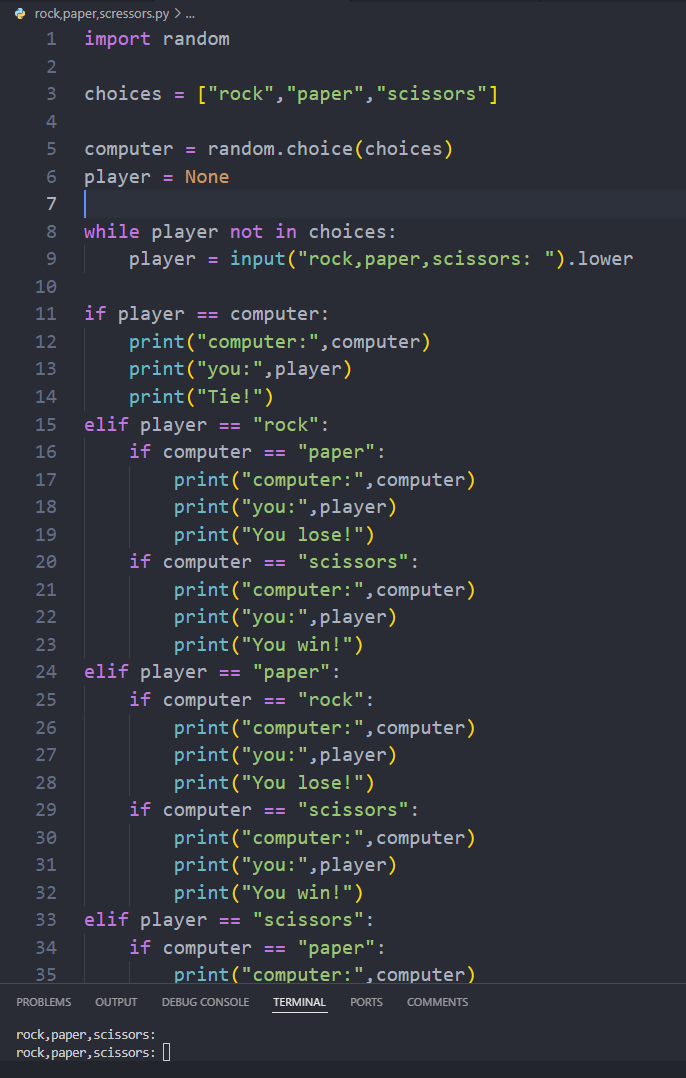
Rock Paper Scissors
Prelim Work
  • We started familiarizing the programmers with the programming part of the competition. For the beginners, we started teaching Python. With the more advanced, we showed them old CRC programming competition problems.
  • For returning members, we discussed some new ideas for the website.
  • November

    Prelim Work
  • Programmers got to work on Prelim 1 and 2
  • We met with the media team ( website coders ) to discuss design ideas
  • Brainstormed control schemes for the robot arm
  • Discussion of lists and Python
  • Teaching new members the basics of robotic coding
  • December

    Prelim Work
  • We are working on Prelim 3
  • Before Winter Break

  • We are finally starting to code / talk about the website more technically.
  • Over Winter Break

  • We had made very minimal progress on the website to date, blame the captain 🙈, so we had to catch up.
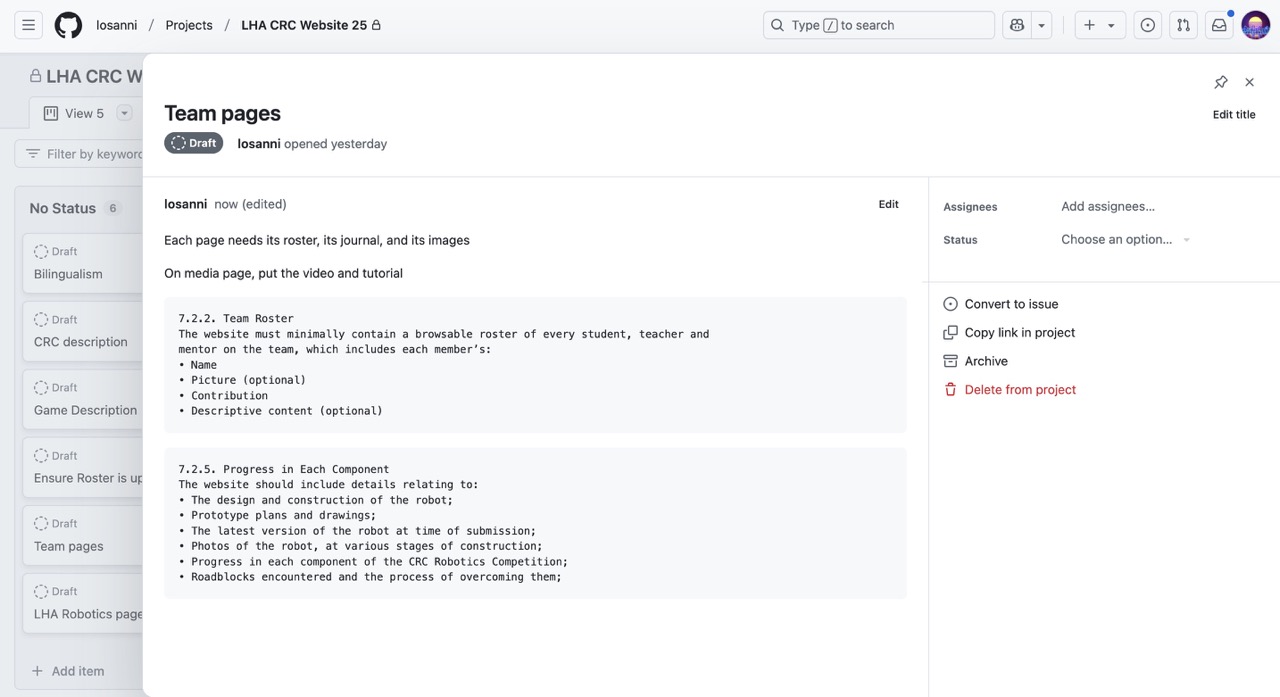
  • GitHub Project
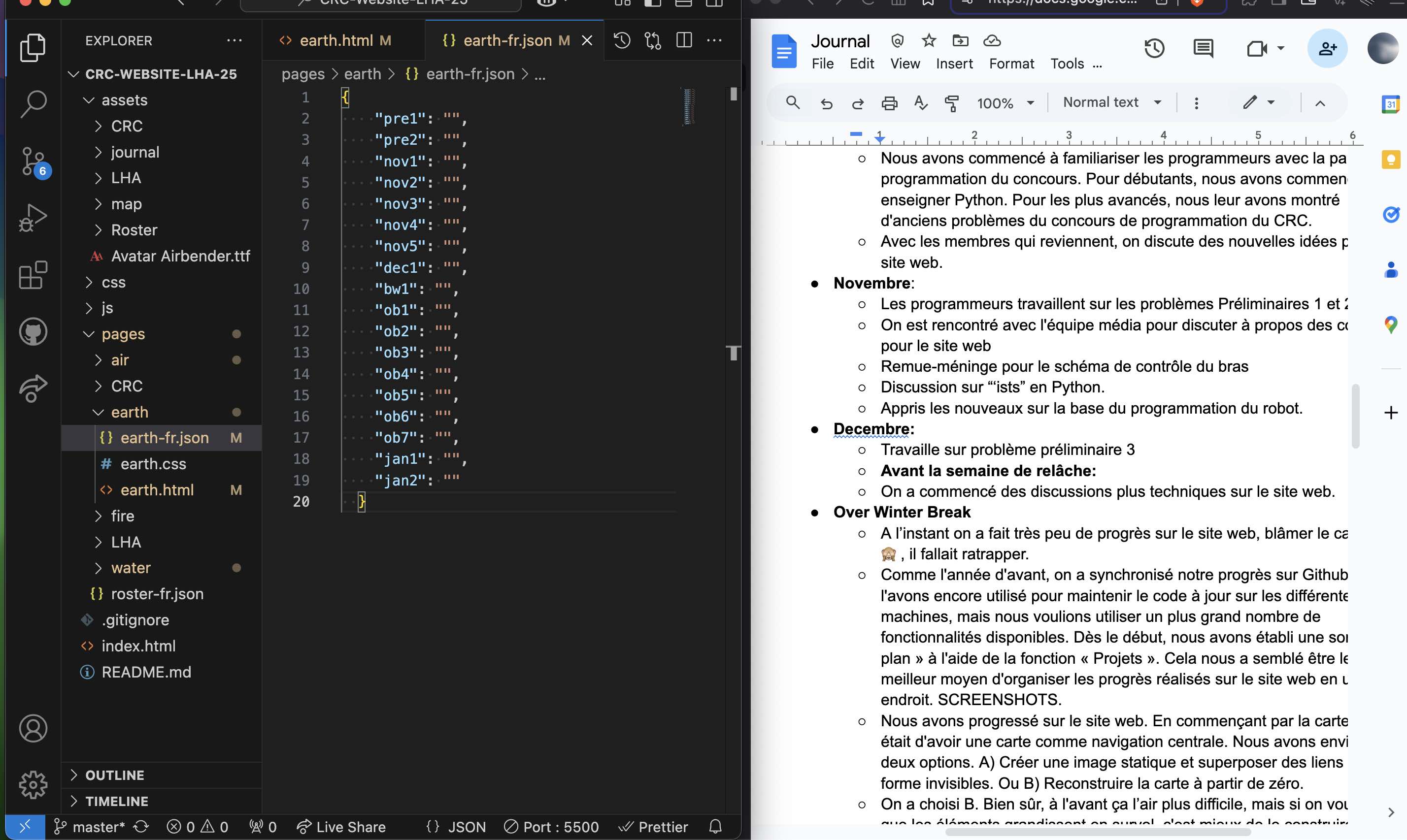
  • Last year, we synchronized the website progress by using GitHub, and we’re doing that again this year. We again used it to keep code up to date across machines, but we wanted to take advantage of more of the available features. Early on, we set up a sort of ‘plan’ using the ‘Projects’ feature and kept track of progress with it. It seemed like the best way to organize progress on the website in one relevant place.
  • Website Map
    Map Positioning
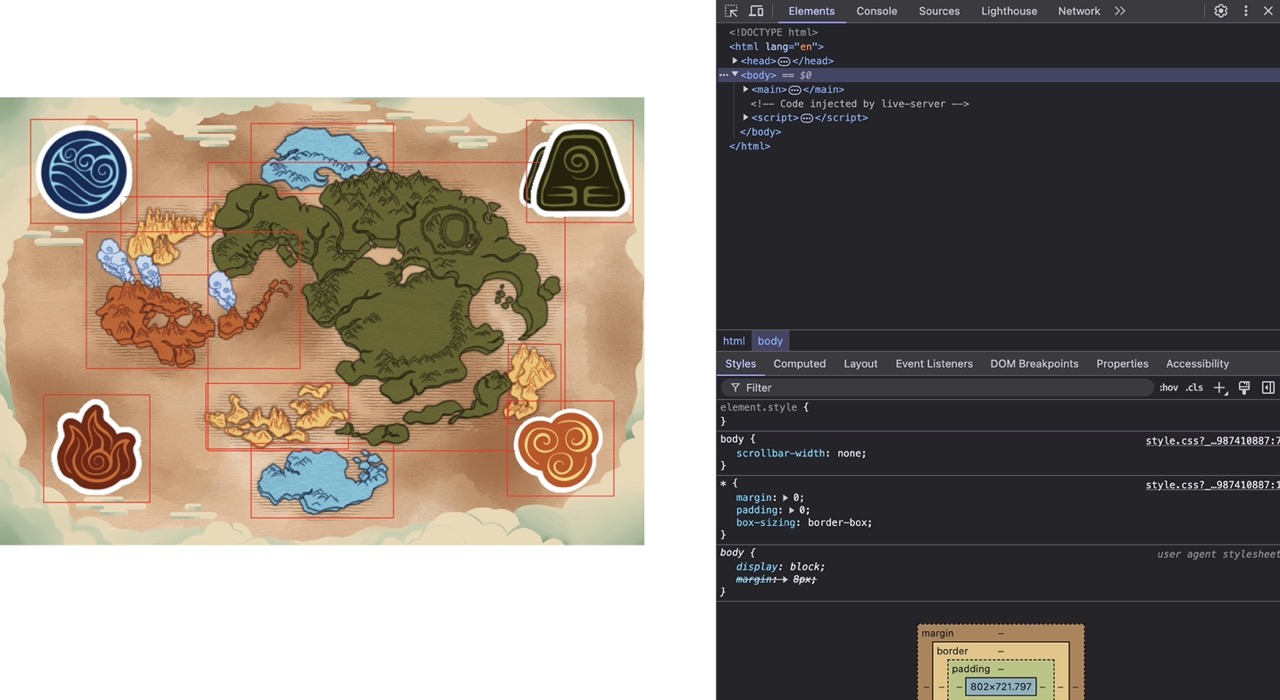
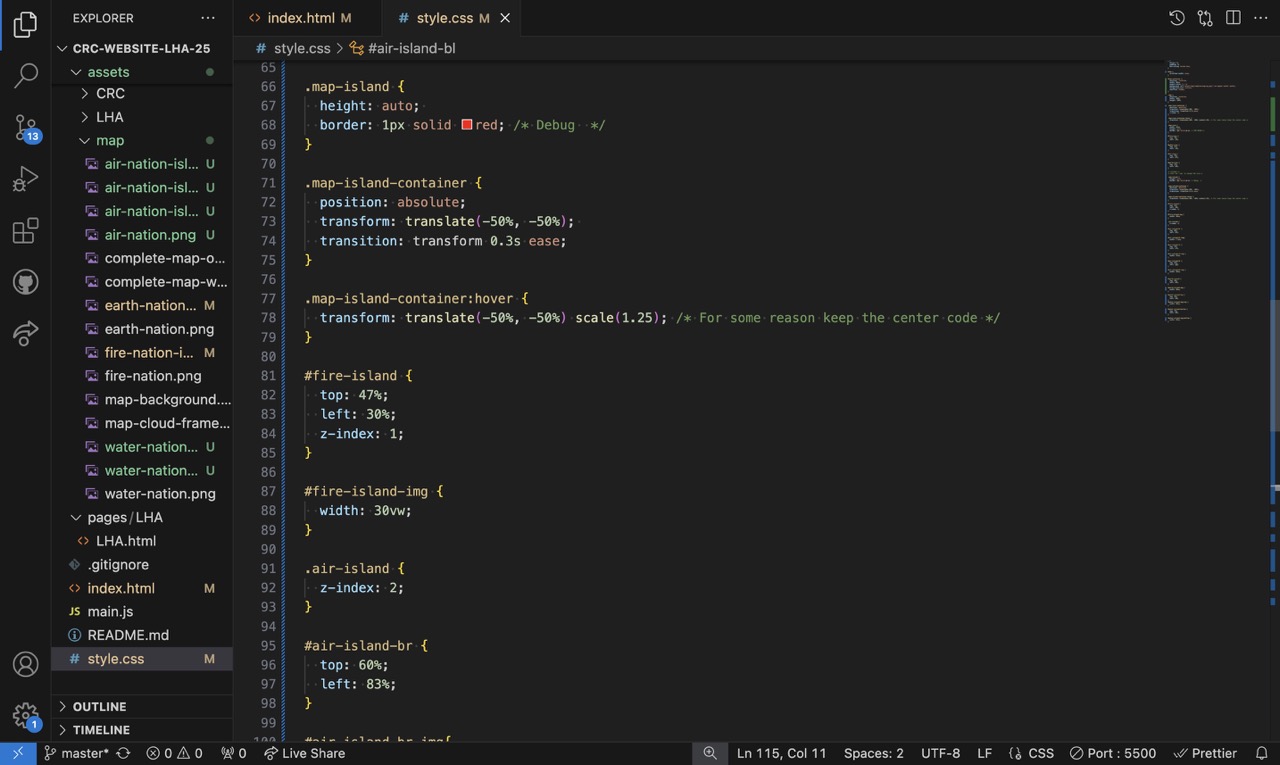
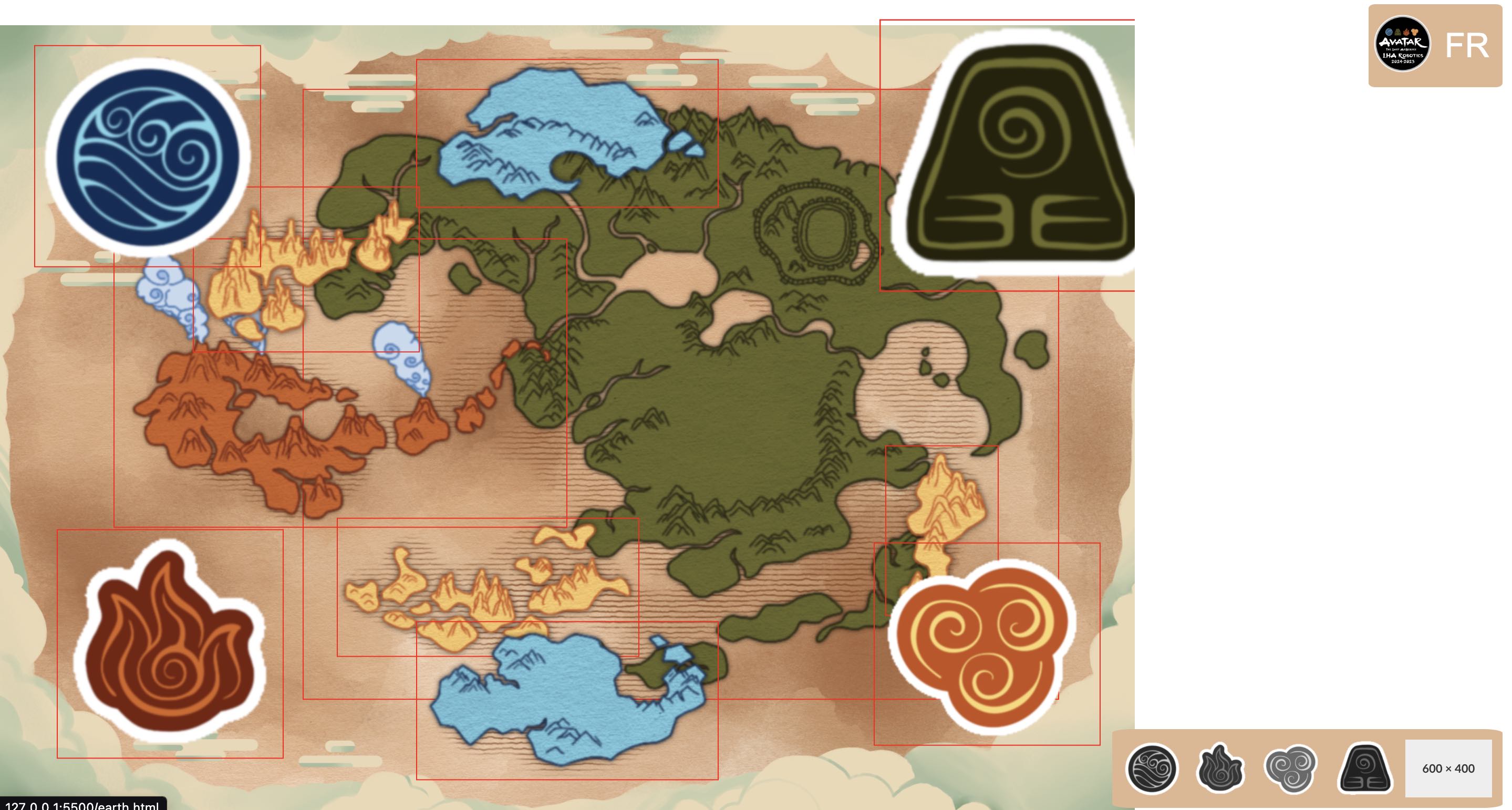
  • We made progress on the website. Starting with the map. The idea was to have a map as our primary navigation. We considered two options. A) Create a static image and overlay invisible links. Or B) Build it from scratch. We chose B. Of course, it seems harder at first, but when we realized the image would end up being resized and have elements that grow in hover, we might as well just build it from the ground up. Rory, our lead artist, recreated a map from Avatar. She drew the map as a whole and then exported the individual elements. Through trial and error, we manually positioned the elements on top of the complete map to get the position correct, modifying the ‘top’ and ‘left’ attributes. Honestly, it didn’t take that long surprisingly. After that, we adjusted the Z-index to make it work properly and rebuilt the map with the correct background and edge.
  • Avatar Progress Storage
    Translation System
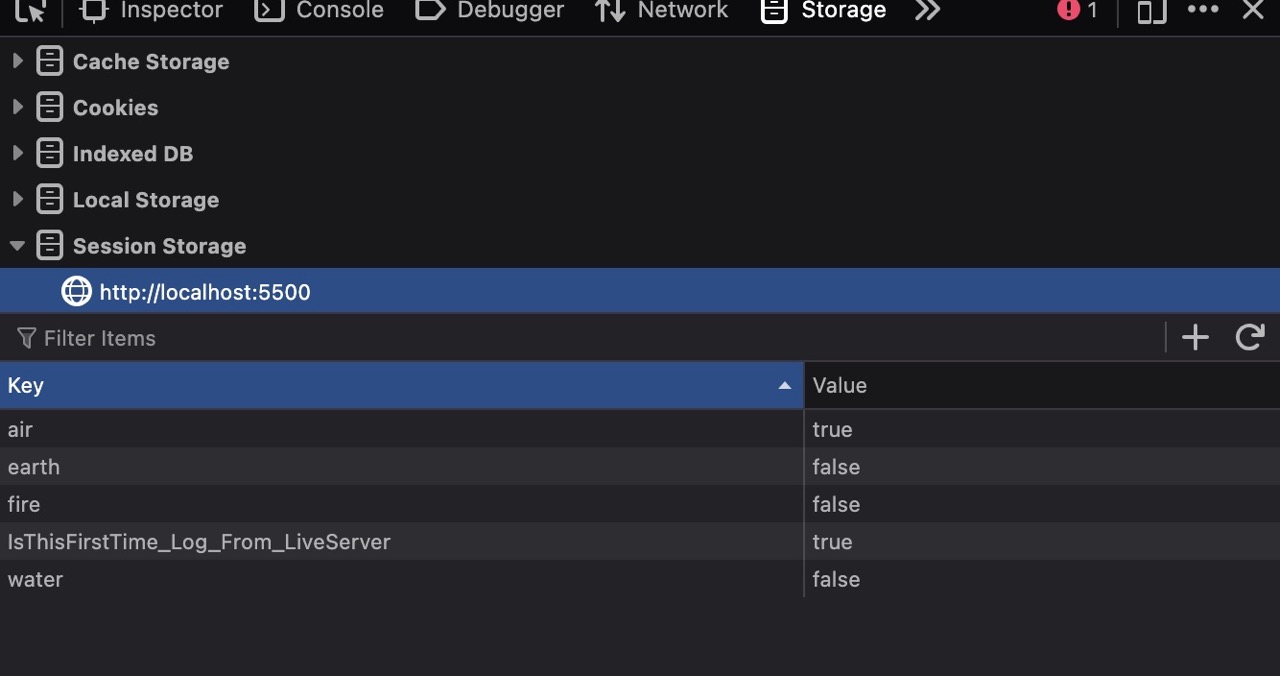
  • One of the core aspects of Avatar’s plot is Aang’s mastering of the elements. We wanted that somewhere on the website. Our interpretation was, as you visit the different teams’ pages, essentially mastering each different element, you become closer to becoming the Avatar. We made a progress tracker with each element’s icon on the bottom right of the screen, keeping track of progress with ‘sessionStorage’, which is by default grey, and becomes colored when you master that element.
  • Translation System side by side view
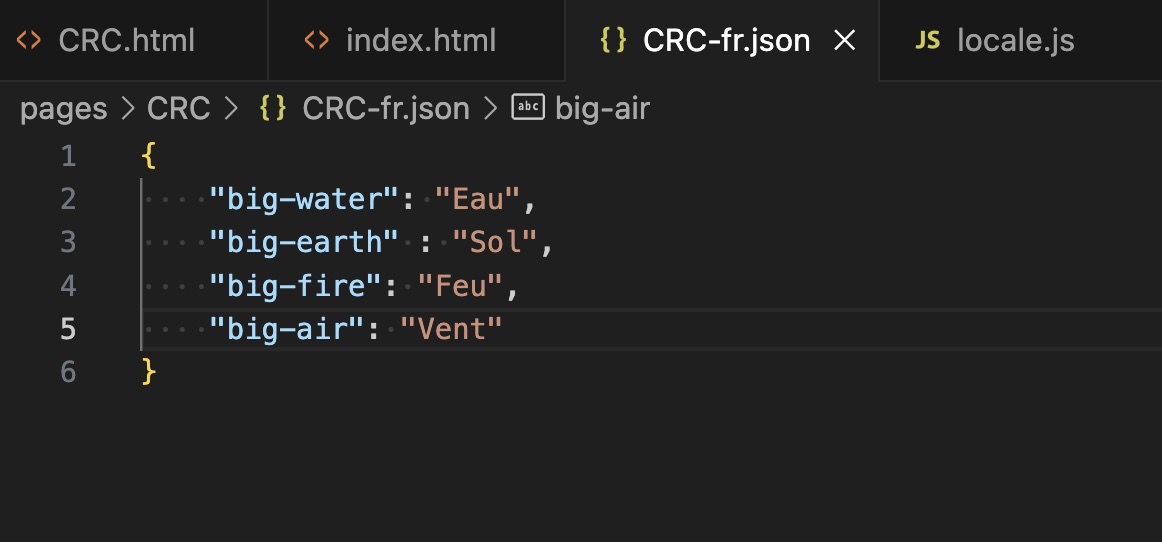
  • One fundamental thing to make sure worked before we started filling our website with content was the translation logic. We took inspiration from last year where the text content was stored in different JSON files. We then read it from there and applied it to the right element’s `innerText`. However, we made big changes.
  • January

    Navigation Bar and Avatar Prog
  • We created a top navigation bar that is present on all pages. It includes a link back to the home page, where all the navigation is, and the translation buttons, which change depending on your current language, showing you only the necessary one.
  • Vertical Format
    Vertical Format 2
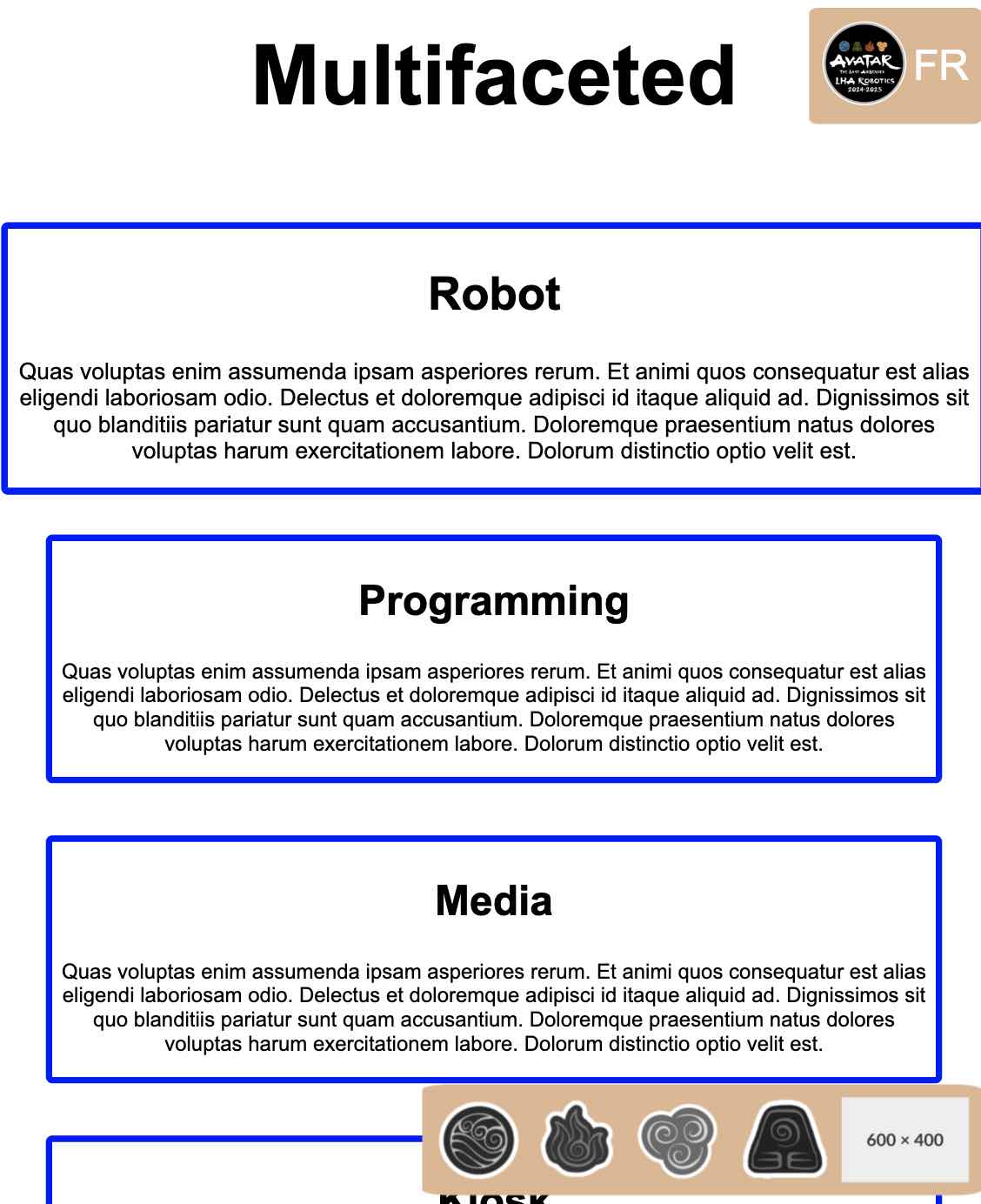
  • We made adjustments to certain pages to make them more functional on mobile devices. In many cases, we made elements stack on top of each other instead of being placed next to each other.
  • GitHub